# Live video
With the live video feature in Sociopor, users can share their experiences, news, or events in real-time with their friends or other users.
. To start live videos, users can navigate the steps below:
- Log in to the Sociopro.
- Click on the "Post box."
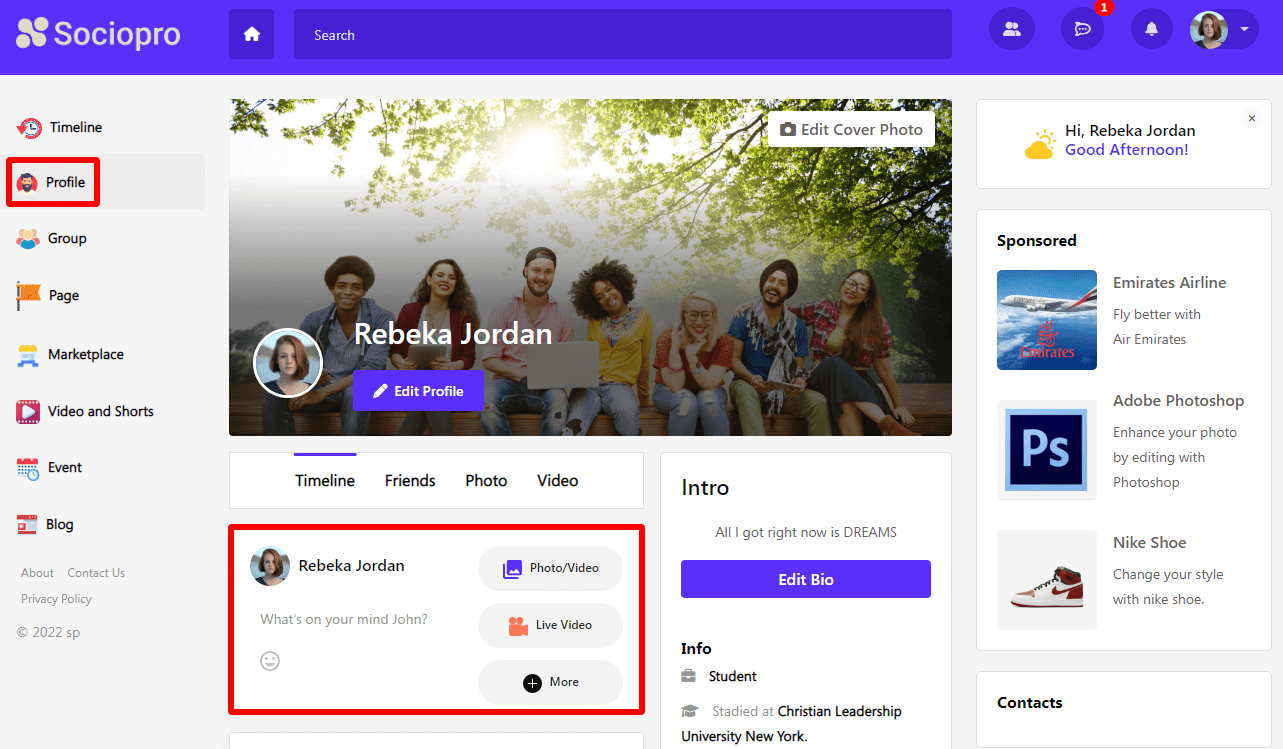
- Select the "Live video" option.
- Choose the privacy of the post (Users can make their posts public or only friends)
- Click on the "Post" button.
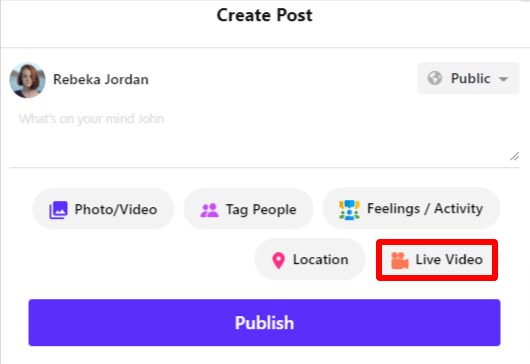
The user's live streaming service will start soon after clicking on the "Post" button. Users can also read other users' comments and reply/make comments on their live videos in real-time.